扫码枪装上"大脑"——Brady TotalFreedom 2.0/3.0 插件开发,让一切皆有可能
扫码枪只能扫条码?不,它可以成为一个可编程的边缘计算节点。 Brady TotalFreedom(TTF)2.0/3.0,让扫码枪从”被动读取器”进化成”智能处...
 HappyLab shared on Jul 26, 2026HappyLabshared on Jul 26, 2026
Debugging an Android device shouldn’t require a toolchain.
Installing ADB, matching drivers, fixing environment variables, hunting for a data cable, keeping a second phone ready to film the screen — the setup often takes longer than the fix. On a customer site, with a locked-down laptop and no admin rights, it can take all afternoon.
AI-ADB is a complete Android device console that runs entirely in a web browser. Plug in a USB cable, open a browser tab, and start working. No ADB install. No Python. No drivers. No configuration — and no software to deploy on the customer’s machine.
All communication happens over the USB cable itself. Nothing is sent to a server, so there is zero latency and zero data exposure.
TIP
Requires a Chromium-based browser (Chrome or Edge). The Android device must have USB debugging enabled.
TIP
New global site. Our online tools are currently in Chinese while we finish the English build — it’s landing in the next few weeks. In the meantime, tell us what you need and we’ll set up a fast, tailored version for you: sales@happylab.me.
AI-ADB speaks the full ADB protocol directly from the browser, so everything you’d normally do from a terminal is now a click:
This is the part people don’t expect from a browser tool. AI-ADB streams the device screen using the scrcpy protocol — H.264 hardware encoding on the device, decoded in the browser via the native WebCodecs API and rendered to a plain Canvas.
The result: low-latency mirroring with click, swipe and drag mapped precisely to the device, plus a full Android navigation bar (Back / Home / Recents), screen wake/sleep, rotation, live screenshots, and screen recording to a downloadable video file. No plugins, no separate mirroring app.
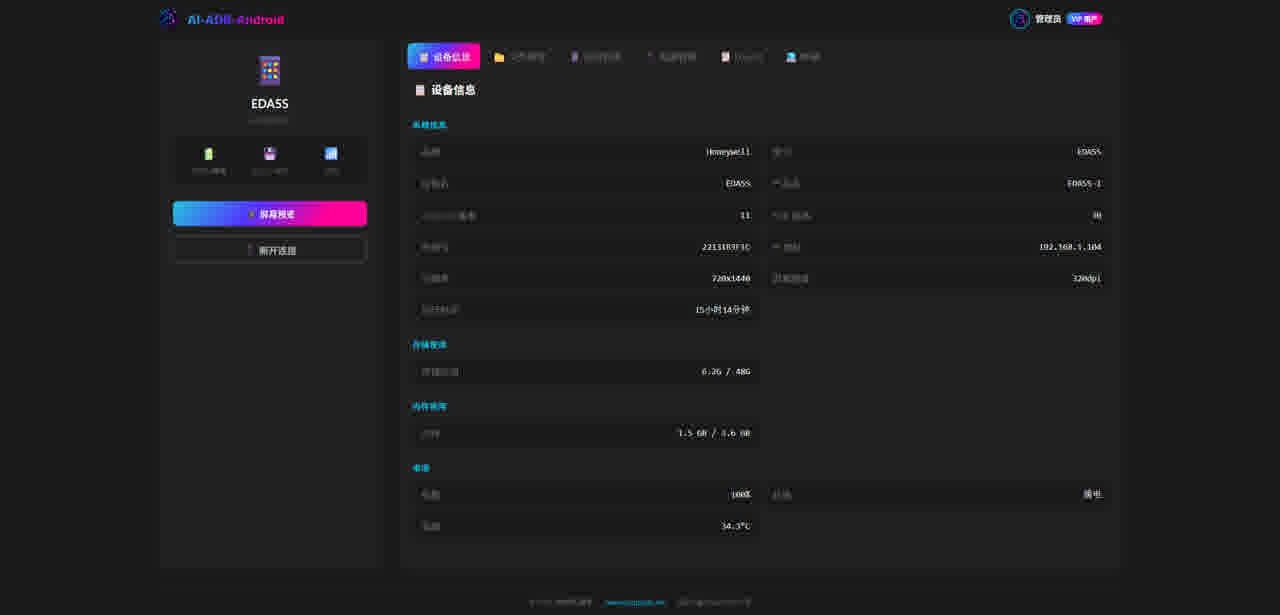
Demo dashboard
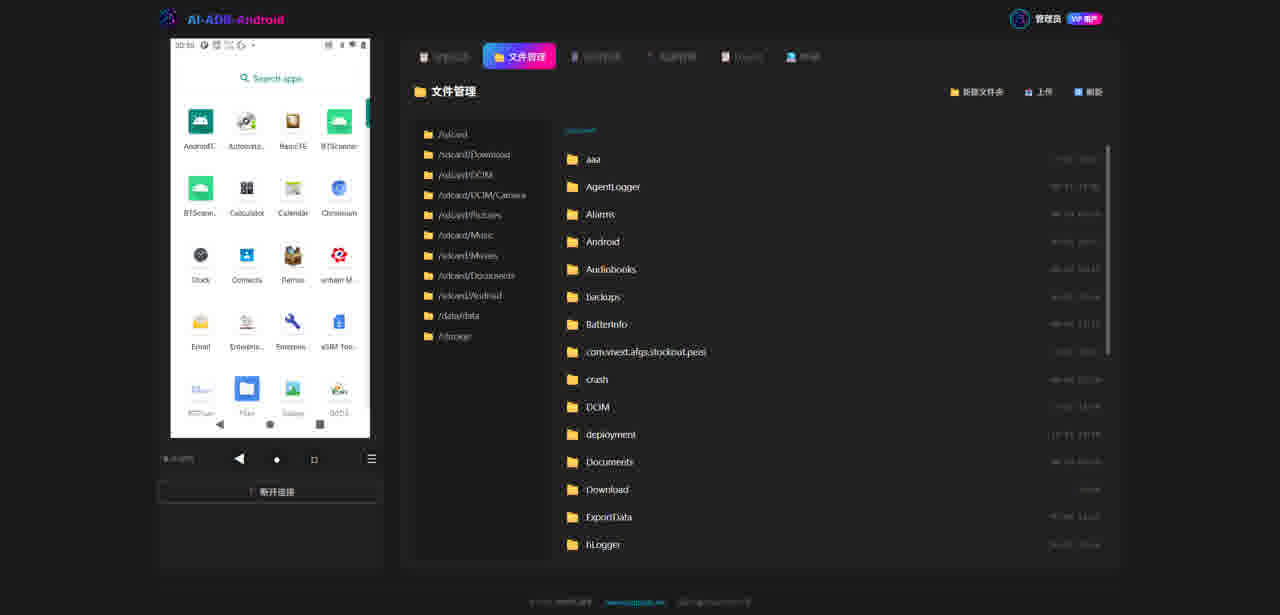
File manager
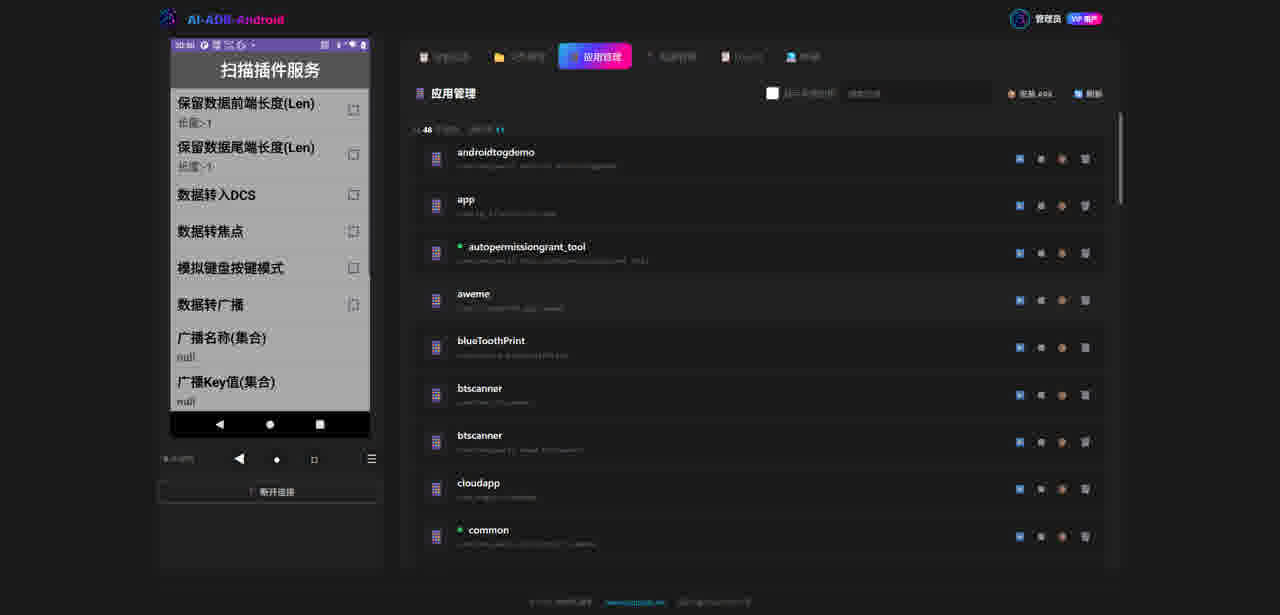
App manager
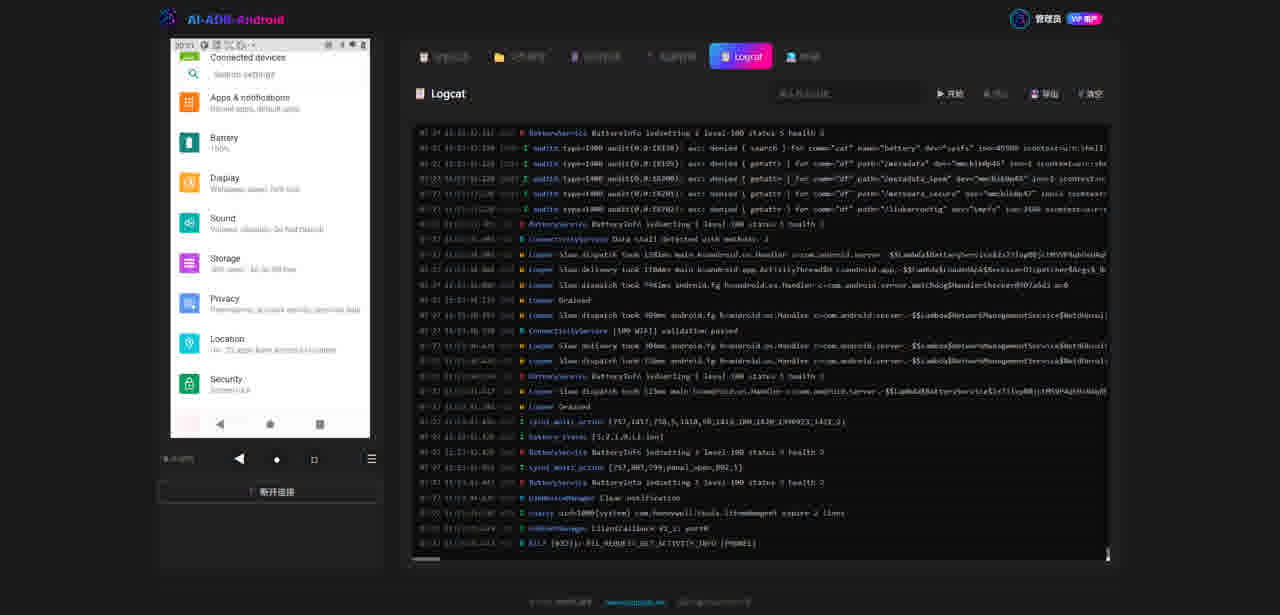
Live logcat
A customer wants to see a rugged handheld in action. Plug in USB, open a tab, mirror the screen to a projector, and hand them the mouse. No software install, no dongles, no filming a screen with a phone.
The engineer arrives and the customer’s PC has no ADB, no Python, no USB drivers. Open a browser. Push the APK, install it, watch the logs, record the session — all without touching the machine’s configuration.
On site, the operator just plugs in a cable and opens a URL. Remotely, support reads the live logcat, sends commands, and solves the problem — without a technician flying out or asking the customer to use a command line.
Connect over a single USB cable, capture screenshots automatically, export logs, and batch-install apps across units — one browser window for the whole line.
Mirror the walkthrough, record it in the same tab, and download the video as training material. No third-party screen recorder required.
We’d rather be upfront than have you find out the hard way:
Every licence is a one-time purchase — no subscriptions, nothing to renew. Buy once, use it permanently.
| 🆓 Free | 🌐 Online Lifetime | 📦 Offline Lifetime | |
|---|---|---|---|
| Price | $0 | $69 one-time | $99 one-time |
| Runs in browser | ✅ | ✅ | — |
| Windows offline app | — | — | ✅ |
| Device dashboard + file manager | ✅ | ✅ | ✅ |
| Apps, Logcat, ADB shell, mirroring, recording | — | ✅ | ✅ |
| Works without internet | — | — | ✅ |
Full comparison on the AI-ADB pricing page.
Try it in your browser:
Building it into your own product? The same engine is available as a JavaScript SDK, an embeddable iframe, or a full OEM build. Get in touch to discuss integration.
This global site is brand new, and our online tools are currently in Chinese. Tell us what you need and we’ll set up a fast, tailored solution for you — an English version is coming in the next few weeks.
📧 sales@happylab.me · 🌐 global.happylab.me
HappyLab builds practical AI and browser-based tools for industrial device workflows.
Previous

扫码枪只能扫条码?不,它可以成为一个可编程的边缘计算节点。 Brady TotalFreedom(TTF)2.0/3.0,让扫码枪从”被动读取器”进化成”智能处...
HappyLab shared on Jul 26, 2026Next
🔬 预印本 | Zenodo DOI: 10.5281/zenodo.21343177 本文由人类作者 杨晓光 与 AI 作者 哈皮 (Happy) 协作完成...
HappyLab shared on Jul 13, 2026